 Metriq


Yes, treadmill steps count, as long as the device doing the counting moves with you. An iPhone counts steps from its own motion, so it needs to be in your pocket, not resting on the treadmill console. An Apple Watch counts mostly from your arm swing, so it misses steps when you hold the handrails or rest your hands on a desk. Here is how to make sure every step lands in Apple Health.
iPhone on a treadmill
Your iPhone counts steps with its built-in motion sensors and stores them in the Health app automatically. It does not know you are on a treadmill: it just feels the movement of your body.
- In your pocket: steps count. A snug pocket gives steadier counts than a loose jacket pocket.
- On the console or a shelf: the phone barely moves, so it records few or no steps.
- In your hand: it can count, but less reliably than in a pocket.
Distance on the phone is estimated from your steps and stride, so it can differ from the treadmill's own display. For steps, the pocket is what matters.
Apple Watch on a treadmill
An Apple Watch counts steps largely from the swing of your arm. That causes two common problems:
- Holding the handrails keeps your wrist still, so the watch misses steps. Let your arms swing, and touch the rails only for balance.
- Steep inclines often mean shorter steps and a hand on the rail, so counts drop further.
For a treadmill session, start an Indoor Walk workout in the Workout app. Apple also suggests calibrating your watch by doing an Outdoor Walk for about 20 minutes at your usual pace, which helps it learn your stride.
Walking pads and under-desk treadmills
A walking pad under your desk is a great way to add steps, but it is the hardest case for a watch: your hands are on the keyboard, so your arm hardly swings. Two fixes:
- Put your iPhone in your pocket. It counts from your hips, so typing does not matter.
- Check which device Health trusts first. When both your watch and phone record steps, Health avoids double counting by giving priority to one of them. In the Health app, open Steps, then Data Sources & Access, and you can change the order.
Our guide to Apple Watch vs iPhone step counts explains why the two disagree and how Health combines them.
The 12-3-30 treadmill workout
12-3-30 is a treadmill routine made popular on TikTok by Lauren Giraldo: a 12% incline, a speed of 3 miles an hour, for 30 minutes. At 3 miles an hour you cover about 1.5 miles, roughly 3,000 to 4,000 steps, with the hill making it much harder than flat walking.
- Build up to it. Start with a lower incline or fewer minutes and add a little each week.
- Keep your hands off the rails if you can. It is better for your workout and your step count.
- Check with your doctor first if you have heart, knee or back problems, or have not exercised for a while.
Curious what it burns? Hills burn more than flat walking. Our walking calorie calculator covers flat walking at different paces, which gives you a lower bound.
Make your treadmill steps count for more
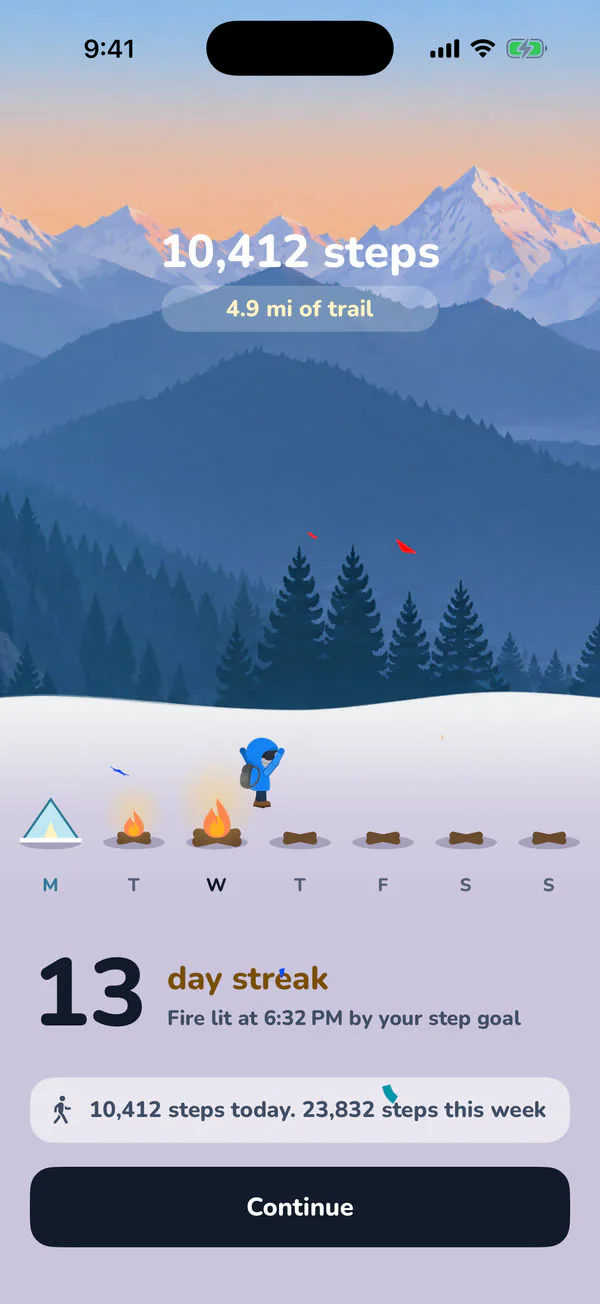
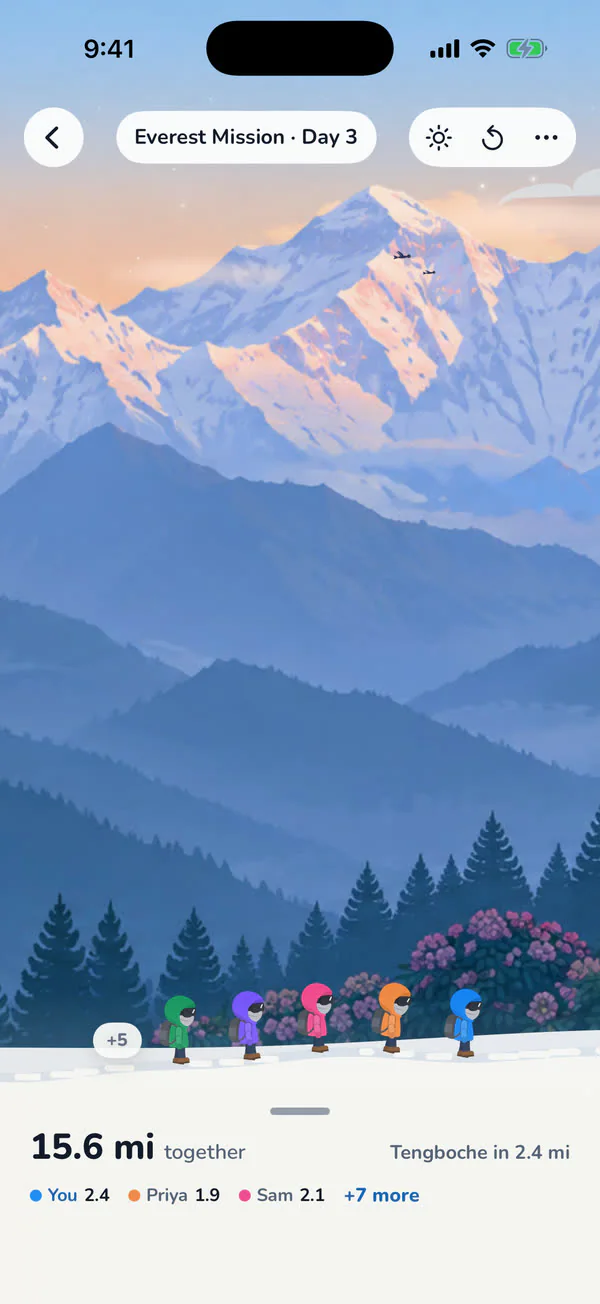
Once your steps reliably reach Apple Health, they count in Metriq too. Metriq keeps score from Apple Health, so treadmill, walking pad and outdoor steps all go toward your daily streak and your competitions. Bad weather is no longer an excuse to lose a step race.
Stuck inside? See 20 ways to get steps indoors and how to keep walking through winter.
Frequently asked questions
Does iPhone count steps on a treadmill?
Yes, if it is in your pocket. The iPhone counts steps from its own movement, so a phone resting on the treadmill console records few or no steps.
Why does my Apple Watch not count steps on the treadmill?
The watch counts steps largely from your arm swing. Holding the handrails, or resting your hands on a desk while using a walking pad, keeps your wrist still, so steps are missed.
Do walking pad steps count?
Yes. Keep your iPhone in your pocket while you walk, because a watch on a wrist resting on a keyboard misses most steps.
What is the 12-3-30 workout?
A treadmill routine: 12% incline, 3 miles an hour, for 30 minutes. That is about 1.5 miles, roughly 3,000 to 4,000 steps, and much harder than flat walking because of the hill.