 Metriq


A remote team step challenge works best as a shared goal, not a leaderboard: everyone's steps add up to one team total. That keeps it fair across time zones and fitness levels, and gives a spread-out team something to talk about in the team chat. Here is how to set one up, keep it going, and keep it friendly.
Why step challenges suit remote teams
Remote work cuts out the walk to the train, to meetings and to lunch, so many people take far fewer steps on work-from-home days. A step challenge brings some of that back, and gives a team that rarely meets in person a shared, low-pressure thing to chat about.
1. Pick a format that is fair across time zones
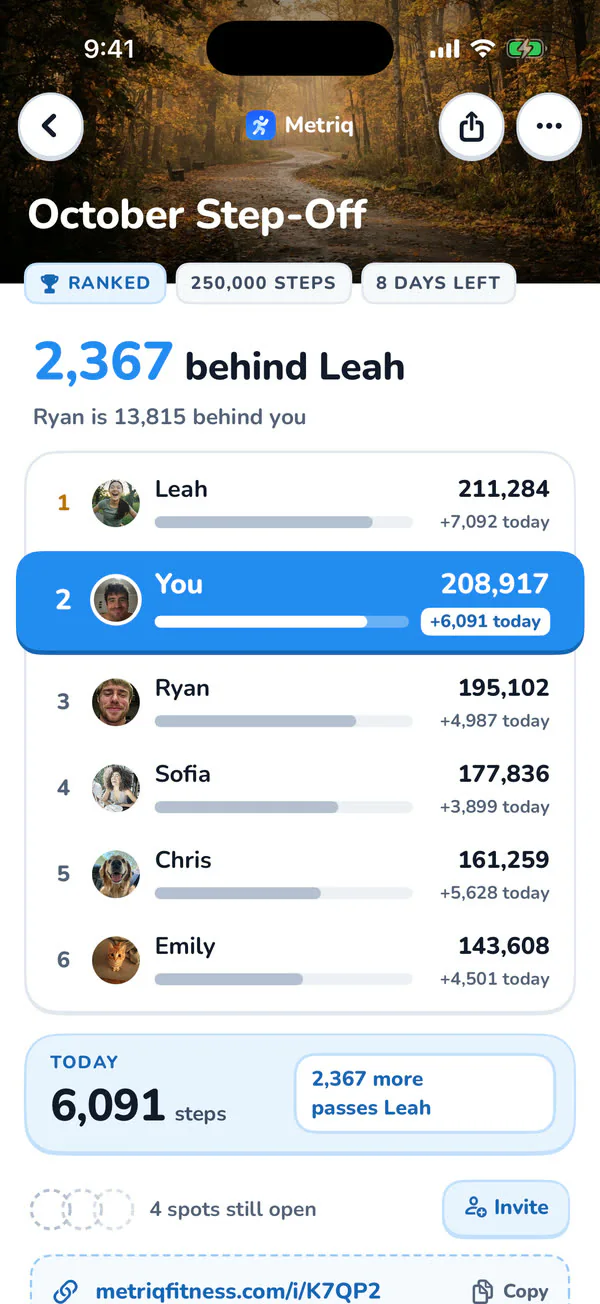
- A shared Mission (recommended): everyone's steps add up to one team target. Size it to the team: about 7,000 steps a person a day, times the number of people, times the number of days, is a fair start. Nobody is ranked last, and it does not matter whose day ends first.
- A weekly total, not daily wins: people in different time zones finish their days at different times, so compare whole weeks.
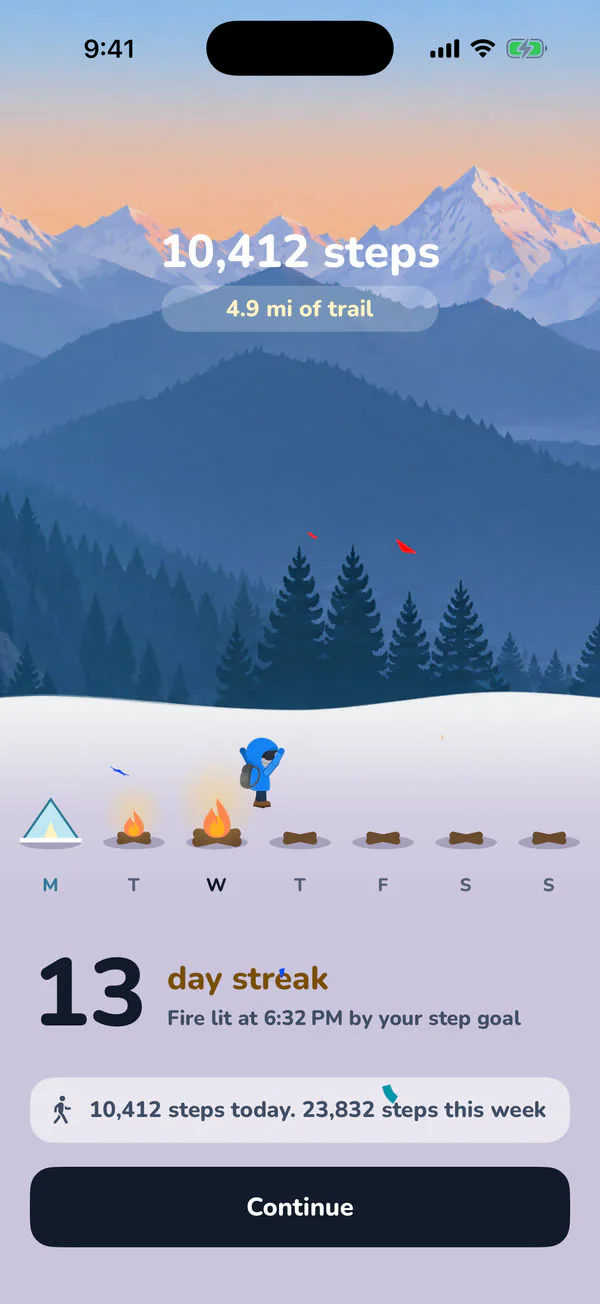
- A Streak: everyone has the same achievable daily goal, and the challenge is keeping it every day. Good for building habits rather than crowning a winner. In Metriq, a competition's days follow the time zone of the person who created it, so for a Streak, have someone in the middle of your team's time zones create it.
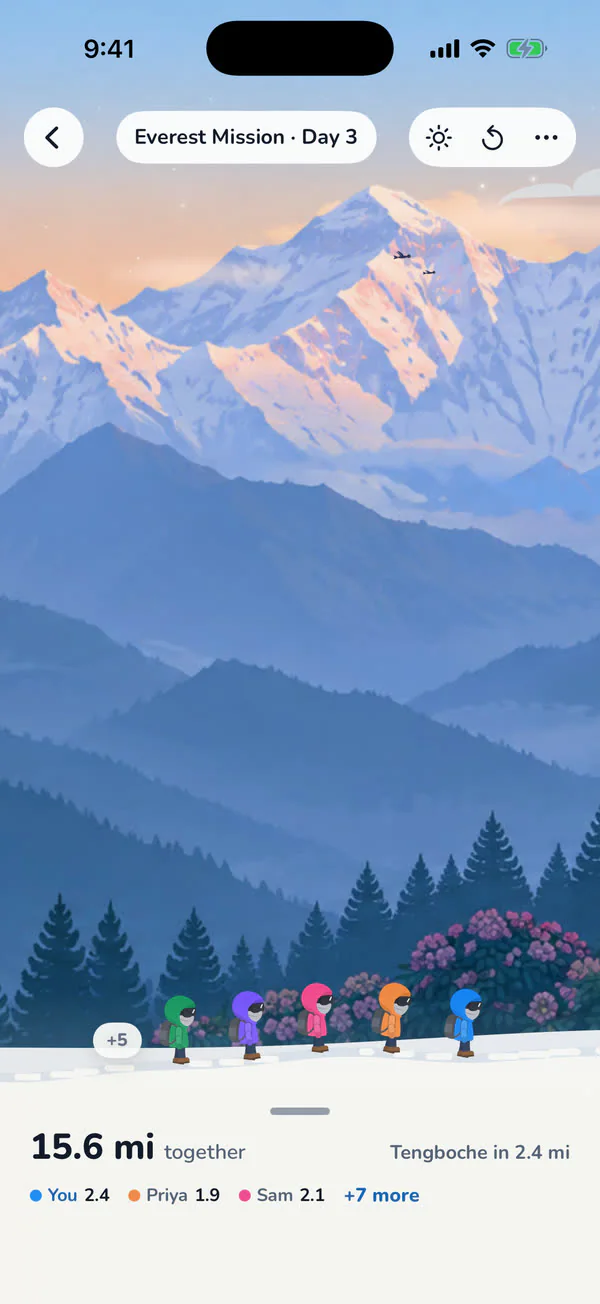
A team of 10 or fewer? Walk a virtual trail together. Trail walks hold up to 10 people, and a team of 10 covers the 44 miles from Lukla to the summit of Everest in a couple of days, so line up several: Everest, then Mount Fuji, then the Inca Trail. Bigger teams can split into trail groups of up to 10, or run one step Mission for everyone.
Not sure which suits you? Our guide to step challenge types compares them.
2. Make it easy to join
The biggest reason remote challenges fail is setup. Pick an app where joining takes one link and steps are counted automatically, so nobody has to type in numbers or post screenshots. Then:
- Post the invite in the team channel with the start date, the goal and how long it runs.
- Keep it short: one to four weeks. Run several rounds rather than one long challenge.
- Make it opt-in, and say so. Nobody should feel they have to share their steps.
Metriq is free on iPhone and counts from Apple Health, so it works with an iPhone or an Apple Watch, and with other trackers that sync to Apple Health. Free competitions hold up to 10 people for up to 7 days; Metriq Pro allows up to 100 people and longer challenges. Trail walks hold up to 10 people on any plan.
3. Keep the team chat going
- Walk photo of the day: a view from everyone's walk, wherever they are in the world.
- Progress updates: "We are halfway to our target" or "We just passed Namche Bazaar" lands better than a list of numbers.
- Walking meetings: make one regular call a walk-and-talk, with cameras off.
- Weekend walk: everyone takes a walk on the same weekend morning, wherever they live, and posts a photo.
4. Keep it friendly and private
- Show totals, not health details. A step count is enough; nobody needs to share weight or calories.
- Include everyone. Some people cannot walk much for health or other reasons. A shared Mission, effort prizes and other activities, like exercise minutes, help them take part.
- Reward effort, not only the top spot: longest streak, best improvement, or a prize for everyone if the team hits the goal. See our step challenge prize ideas.
Running a challenge for an office too? See our guide to workplace step challenges, or try step challenge team names for some fun. More about Metriq at work: Metriq for teams.
Frequently asked questions
How do you run a step challenge for a remote team?
Pick a shared goal everyone contributes to, such as a team step target, use an app that counts steps automatically from a single invite link, run it for one to four weeks, and keep the team chat going with photos and trail updates.
How do you make a step challenge fair across time zones?
Compare weekly totals or use a shared team goal rather than daily wins, since people in different time zones finish their days at different times.
What is a good step goal for a remote team?
A shared target sized to the team: about 7,000 steps a person a day for the length of the challenge. Teams of up to 10 can also walk virtual trails together, such as the 44 miles from Lukla to the summit of Everest, then move on to the next trail.
Should a work step challenge be optional?
Yes. Make it opt-in, show step totals rather than health details, and reward effort as well as the top spot, so everyone can take part.